Picture a day with your Mini: where will you put it, what will power it and which devices need a connection? Work through that complete setup before choosing a battery, vehicle adapter or permanent mount.
Price note (October 10, 2026): Starlink’s Roam page lists the Mini Kit at $149 direct. See our price update for details, and check the current price before buying.
Already own one? Start with your existing equipment and the problem you want to solve. If the model is unclear, use our Starlink model history guide. Mini and Router Mini are different product names; match the terminal and any separate router to their own documentation.
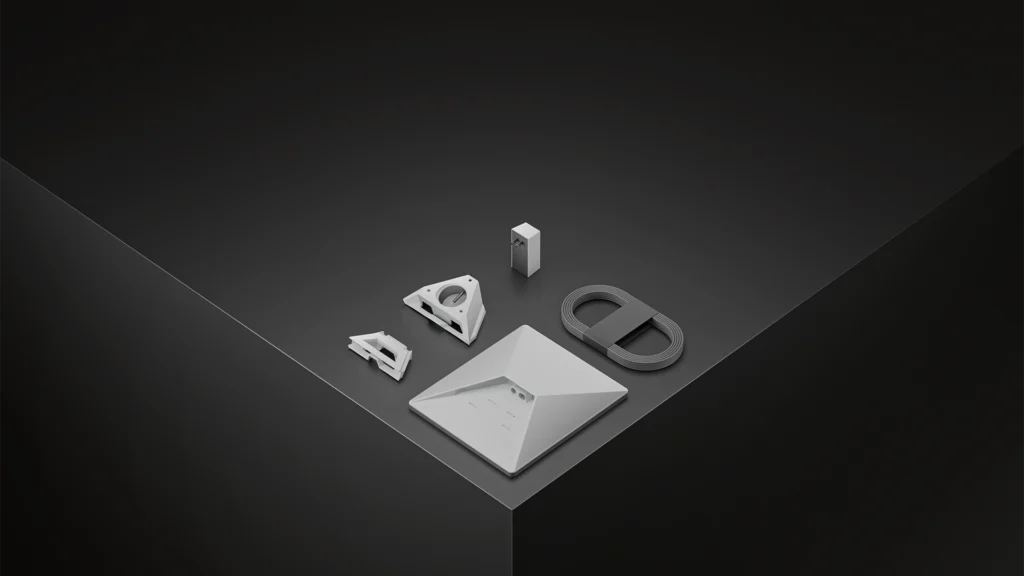
What will matter in your setup?
Where the terminal sits, how it gets power and how your devices connect decide whether the Mini fits the day. Check those before treating an accessory purchase as settled.
What the manufacturer documents
These figures are manufacturer specifications, not Dishwits measurements. Table weight is bare-terminal only; kit weight differs because the kickstand, cable and power supply are excluded from that figure. Average power is not a battery-runtime guarantee or a charger rating. The measurement boundary (AC/DC, terminal vs kit components) is not stated on the sheet; do not infer. These fields do not establish the demand of your complete network.
Swipe or scroll sideways to see the full table. With a keyboard, focus the table area and use the arrow keys.
| Item | Documented value |
|---|---|
| Bare terminal weight | 1.10 kg (2.43 lb) Source Checked |
| Manufacturer average power consumption | Average: 25–40 W Source Checked |
| Integrated Wi-Fi | Wi-Fi 5 Source Checked |
| USB-C accessory power-source requirement | 100 W USB PD, 20 V/5 A minimum, with the Starlink USB-C-to-barrel accessory Source Checked |
Power: two different numbers to check
Average consumption describes energy use during operation. It is not the minimum rating of a compatible USB-C power source. The manufacturer requirement for the named USB-C-to-barrel accessory is 100 W USB PD, 20 V/5 A minimum, with the Starlink USB-C-to-barrel accessory Source Checked . Verify the output on the exact charger or battery port, along with the cable, before relying on it.
The documented included-power setup is: Lift the kickstand; plug the provided DC cable into the Mini until the plug face is flush; route the other end to the power supply and plug the supply into an outlet Source Checked . For portable use, read Can you power Starlink Mini from USB-C or a portable battery?. No battery runtime has been field-tested by Dishwits.
Weather sealing depends on the connection
IP67 Type 4 requires the DC power cable and Starlink plug/cable installed Source Checked . The manufacturer also warns: Using a standard RJ45 cable removes the Mini’s IP67 rating Source Checked . Do not treat a generic Ethernet lead as equivalent to the specified sealed connection.
Align after choosing a location
If the app displays an alignment alert, Use the app’s alignment alert to rotate the terminal as directed Source Checked . Confirm a clear sky view before deciding whether to buy a permanent mount.
Make a packing and power plan
- List what you will carry. Include the terminal, stand or mount, cables and power equipment. Compare the full load rather than the bare-terminal weight.
- Name the power source. Record the exact output port and cable you intend to use. A battery’s capacity and a port’s output capability answer different questions.
- Decide how devices will connect. Note whether you need a wired connection, where the cable will run and how the outdoor connection will stay sealed.
- Separate parked and moving use. Use the travel planning guide to check the hardware, mount, location and service rules together.
The Mini accessory guide explains the named mount, power and cable checks. Add an accessory only after identifying what the supplied setup cannot do for your intended use.
Check the actual offer and service rules
Use the U.S. plans guide to understand the questions to ask. Then confirm the exact kit and service offer for your location, including hardware, recurring service, shipping, tax and installation charges. The specification sheet does not establish address-specific availability, stock or a checkout total.
When to wait / do not buy
Resolve an obstructed sky view, an unsuitable mounting location or an uncertain power connection before paying for equipment. Compare an available wired connection against the full installed and recurring cost. Do not buy a used or third-party bundle until you have checked the exact model, missing parts, account transfer requirements and service eligibility.
Continue your comparison
Compare the documented kits · U.S. plans and costs · Accessory compatibility · Installation planning
Dishwits has not tested these claims in the field.
Sources
Starlink Mini specifications and Starlink Mini setup guide checked 2026-09-13. Individual fact records carry their own check and recheck dates; an unresolved or expired record must not be treated as an approved buying claim. No firsthand performance test, hardware-price verification or commercial result is claimed.